NSFW Video Generator: Turn Photos into Uncensored Clips
Every mainstream video API blocks explicit content at the source. FansCreator is an NSFW video generator built for adult creators, with consent rules: Wan 2.2 and Seedance do NSFW image to video AI, turning photos into explicit-capable clips in the same likeness. Clips of yourself for OnlyFans, an original AI model for Fanvue and MYM, ready for the feed, PPV and customs.
Why an NSFW video generator needs different models
Kling and Veo refuse explicit prompts, and no setting turns that off. An AI video generator, no restrictions on adult content, has to run open-weight models: Wan 2.2 for image-to-video and Seedance 2.0 for cinematic motion. See the Wan NSFW and Seedance NSFW pages.
Image to Video, NSFW Included
Start from a photo you already approved. NSFW image to video AI keeps her face, body and the scene, and adds motion.
No Upstream Refusals
Built on open weights for adult creators, with consent rules: an AI video generator, no restrictions on explicit prompts. They render instead of erroring out.
Same Model as Your Photos
Image to video NSFW clips and stills share one persona, so subscribers see the same person across the whole account.
Mainstream video APIs vs. the FansCreator NSFW video generator
The honest difference between the models everyone has heard of and an AI video generator, no restrictions on explicit prompts, that actually renders adult content.
Kling · Veo · mainstream video APIs
- Explicit prompts refused at the source
- Suggestive content flagged or degraded
- Built for ad-safe, brand-safe output
- No persona consistency across clips
- No captions or platform formats
NSFW video inside FansCreator
- Wan 2.2 open weights + Seedance 2.0 for cinematic motion
- Suggestive to fully explicit, the prompt renders
- Image to video, NSFW included, from your model's own photos
- Same face and body as your photo sets
- Captions and formats ready for OnlyFans, Instagram, TikTok and X
How the NSFW video generator works
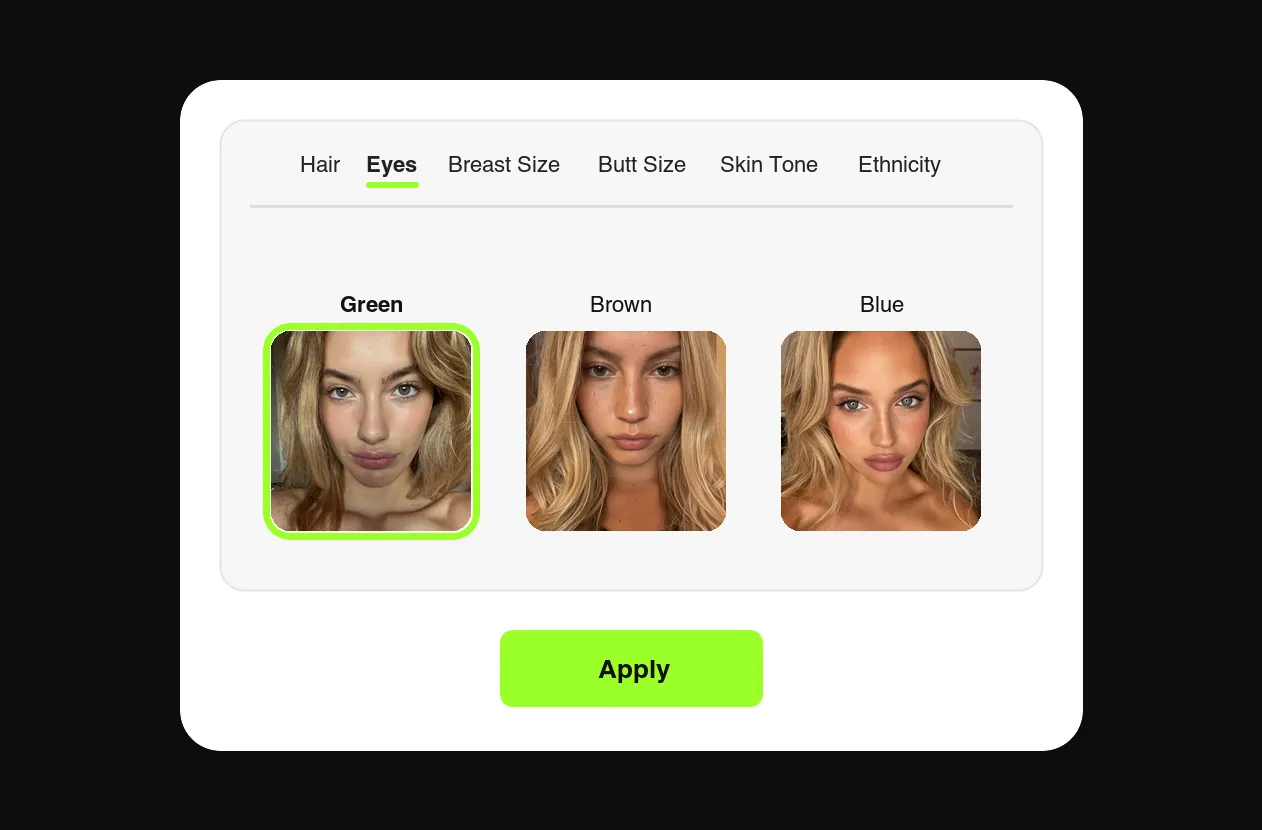
Design your AI model
Hair, eyes, breast size, butt size, body composition, ethnicity, skin tone and more. An original persona that belongs to no real person, and her photos are the starting point for image to video NSFW.
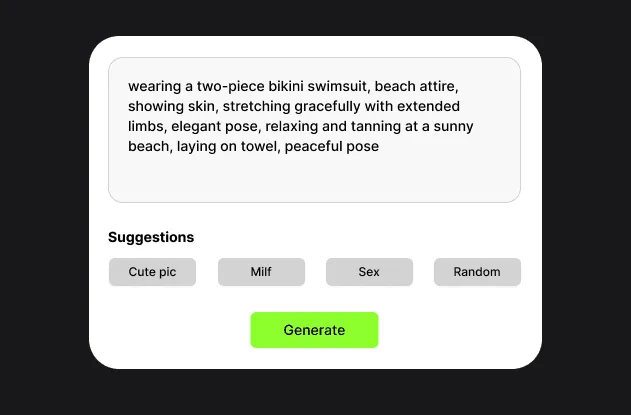
Pick the shot for image to video NSFW
Start from a generated photo or prompt a scene directly, lingerie tease to fully explicit, in an AI video generator, no restrictions on the wording.
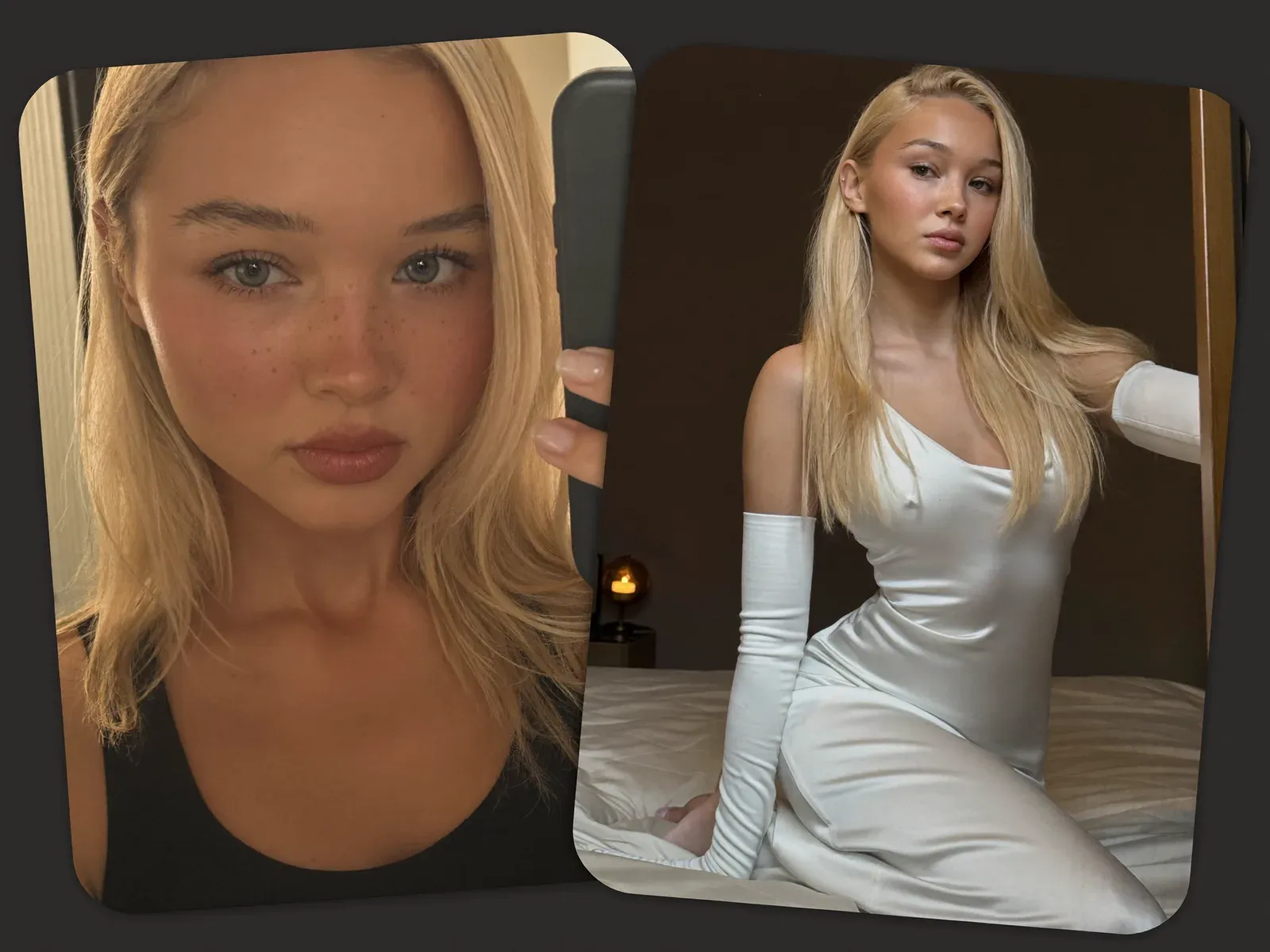
Get the clip in her likeness
NSFW image to video AI returns short-form video in your model's exact identity, ready for the feed, PPV messages or custom requests.
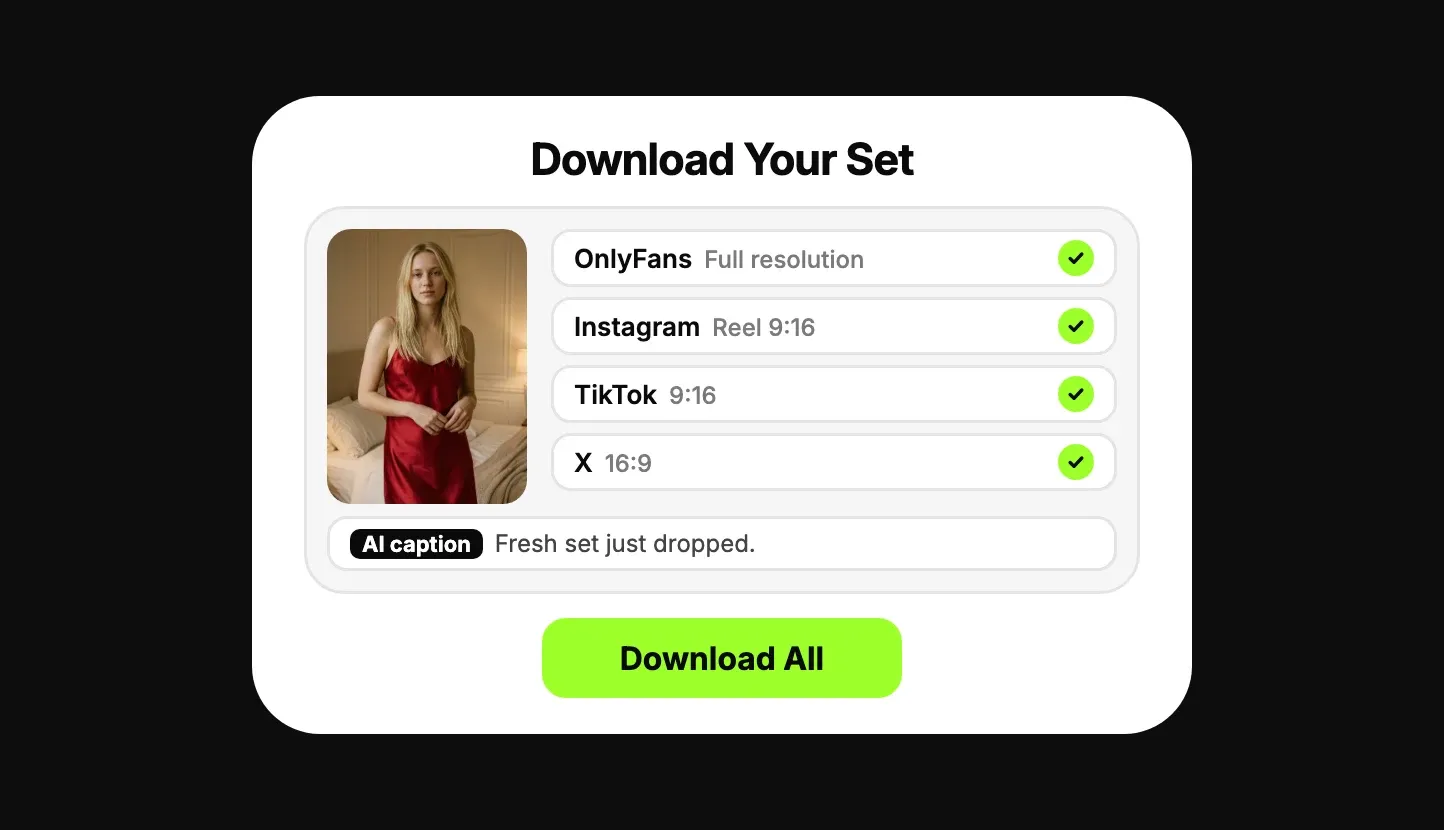
Download, ready to post
Download every image to video NSFW clip in full resolution, formatted per platform. Post an original model on Fanvue or MYM, or AI clips of yourself on OnlyFans, and tease on Instagram, TikTok and X.
Image to video NSFW: why you start from a photo
Most creators start from a still. NSFW image to video AI keeps the face, body, outfit and room you already approved, and only adds motion.
Swipe to compare →
How to prompt NSFW image to video AI
A video prompt is not a photo prompt. In NSFW image to video AI the photo already shows who, what and where, so the prompt only says what moves. Four parts are enough.
1she slides the strap off her shoulder2slow push-in3slow and smooth, natural speed4keep her face, hair and outfit
- 1
The motion
One clear action per image to video NSFW clip. Three actions in one clip usually means none of them land.
- 2
The camera
Static, push-in, handheld or orbit. A slow push-in is the safest choice for your first image to video NSFW clip.
- 3
The pace
In image to video NSFW clips, slow reads as intimate; quick cuts read as an ad.
- 4
What stays the same
Image to video NSFW clips stay on-model when the prompt doesn't ask the scene to change.
What creators make with an NSFW video generator
Short clips earn more per minute of work than any other format on a subscription platform. Four uses cover most accounts, and an AI video generator, no restrictions on the prompt, handles all four.
Feed clips
NSFW image to video AI turns this week's photo set into a few seconds of motion, which keeps the feed alive between sets without a second shoot.
PPV messages
Explicit image to video NSFW clips priced per message, made in the NSFW video generator from the same persona as the feed, so the paid content matches what fans subscribed for.
Custom requests
A fan asks for a specific outfit or move. Image to video NSFW turns it around the same day instead of next week.
SFW teasers
A safe-for-work version of the same image to video NSFW clip for Instagram, TikTok and X, cropped per platform, pointing back to the paid page.
AI video generator, no restrictions: what that means here
Even an AI video generator, no restrictions on adult content, keeps the two rules every legitimate tool has.
Everything else renders
Inside those two lines the NSFW video generator renders what you prompt, from a lingerie tease to fully explicit, with no blurring and no safer swap.
No real people without consent
No one's face or likeness unless they agreed to it. Deepfakes are blocked outright.
No minors
No one underage, or made to appear so. No setting changes this.
Is NSFW AI video allowed on OnlyFans?
- OnlyFansYou only, labeledYes, if the video clearly features you, the verified creator, labeled #ai or #AIGenerated. Video of an original AI model is not: the Help Centre lists "accounts or content that are wholly AI-generated" as content you cannot share.
- Fanvue and MYMAI model allowedAn original AI model can post here, with an AI label.
- FanslyNo photoreal AIPhotorealistic AI video is not allowed, even labeled.
Hit refusals elsewhere while looking for an AI video generator, no restrictions? Hosted APIs filter on the provider's server; FansCreator runs open-weight models. You post everything yourself, so nothing reaches your account without you.
Read the OnlyFans AI Content PolicyHer First Clip Tonight
Design the model, animate the shot in an AI video generator, no restrictions on the prompt, and it's ready to post. Free plan, no card required.
NSFW AI Video Generator FAQ
Is there an uncensored NSFW video generator?
Yes, on open-weight models such as Wan 2.2, which is Apache 2.0 licensed. Mainstream hosted video APIs refuse explicit content. FansCreator is an NSFW video generator that runs Wan 2.2 and Seedance 2.0 in a workflow built for adult creators, with consent rules. That is why an AI video generator, no restrictions on adult prompts, has to run open weights.
Can I do NSFW image to video?
Yes. Image to video, NSFW included, is the main workflow here. Feed it a photo of your AI model and the clip keeps her likeness and the scene while adding motion, explicit content included.
What is NSFW image to video AI?
NSFW image to video AI animates a still photo into a short clip without a filter on adult content. You pick the photo, describe the motion, and the model keeps the face and body of the original image.
Is there an AI video generator, no restrictions on adult content?
On adult content of a fictional adult persona or of yourself, yes. FansCreator renders explicit prompts without refusals because it runs open-weight models. It refuses real people without consent and anyone underage, and so does every legitimate NSFW video generator.
Which models does it use?
Wan 2.2 (open-weight, Apache-licensed) for NSFW image to video AI and Seedance 2.0 for cinematic motion. See the Wan NSFW and Seedance NSFW pages for the trade-offs.
Can I swap a face in a video I already have?
Yes. Image to video NSFW starts from a still; for a video you already have, use AI video face swap to put your AI persona's face, or your own, onto a video up to 30 seconds long.
Is it free?
There's a free plan with no card required, so you can test an AI video generator, no restrictions on adult prompts, on your persona before running an account. Video limits and full resolution scale with the paid plans.
Do I need a GPU or ComfyUI?
No. The FansCreator NSFW video generator renders server-side, so any browser works: an AI video generator, no restrictions on adult prompts, without installing anything. Running NSFW image to video AI locally on Wan 2.2 realistically wants 16GB+ VRAM and minutes per clip.
Is AI-generated NSFW video legal?
Explicit video of a fictional, adult AI persona is legal to create and sell in most jurisdictions. Even an AI video generator, no restrictions on adult content, keeps two absolute lines: never depict a real person without their consent, and never depict anyone underage or made to appear so.
Can I sell the clips on OnlyFans?
Image to video NSFW clips of yourself, yes. Content you generate is yours to post and monetize, and OnlyFans allows AI content that clearly features you, the verified creator, labeled #ai or #AIGenerated. Clips of an original AI model are for Fanvue or MYM, since OnlyFans removes wholly AI-generated accounts and content. The clauses are quoted verbatim on our OnlyFans AI content policy page.